
Direct Answer
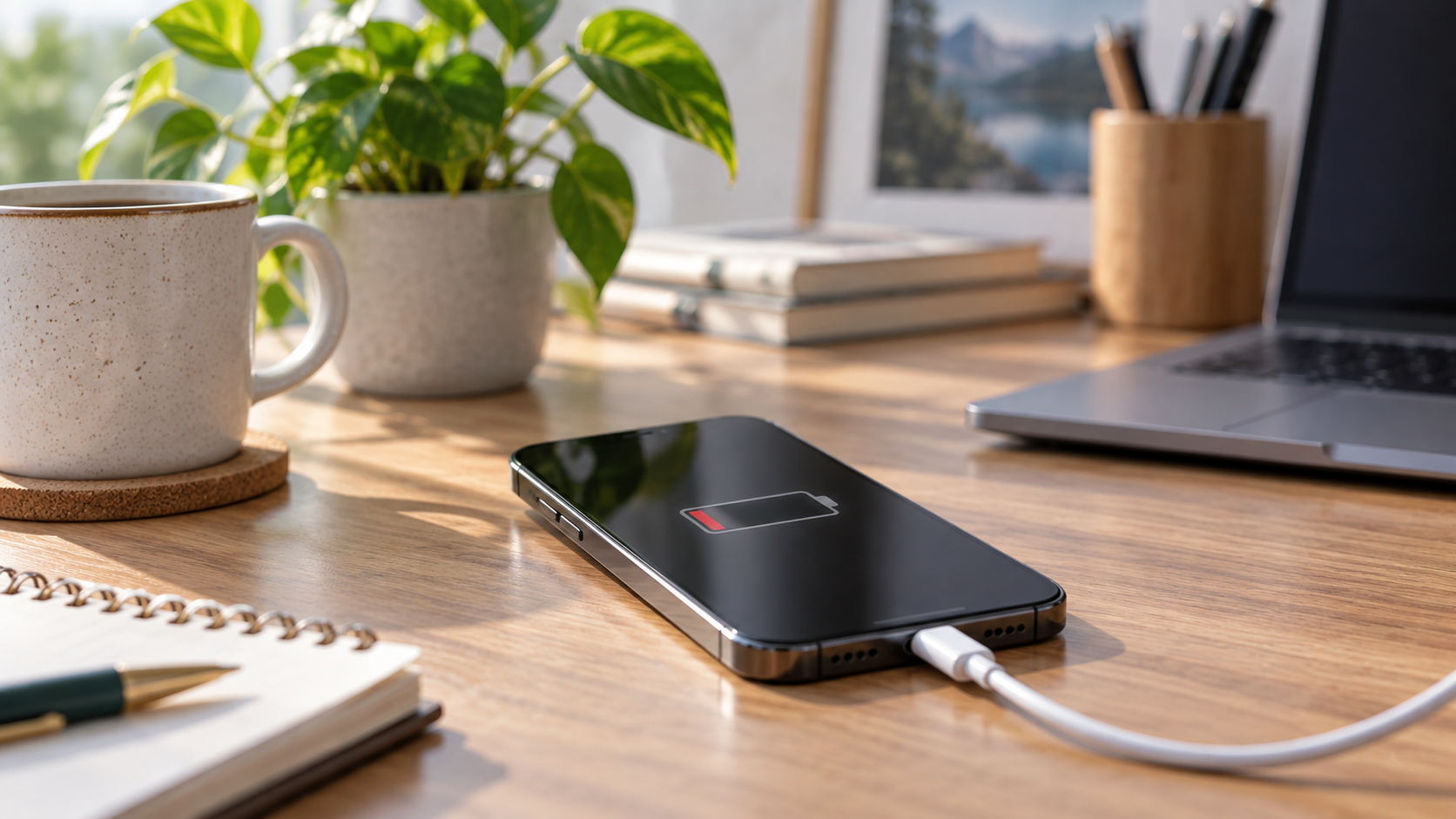
An iPhone at 80% Maximum Capacity usually needs a battery decision, not a new-phone decision. The number means iOS estimates that the battery can hold about 80% of the charge it held when new; it does not mean the phone has only 80% of its life left or is automatically unsafe. Replace the battery when shorter runtime, unexpected shutdowns or reduced peak performance interfere with daily use and the rest of the iPhone still meets your needs. Replace the phone when the battery is only one of several expensive problems, the model no longer supports required software, storage or performance is inadequate, or the total repair case no longer makes financial sense.
Quick Answer
| Situation at or near 80% | More sensible starting decision |
|---|---|
| Phone works well but no longer lasts through your day | Price a battery replacement |
| Maximum Capacity says 80%, but runtime still suits you | Keep using it and monitor the behaviour |
| Unexpected shutdown or performance-management message | Have the battery evaluated soon |
| “Unable to verify” or an unknown-part message | Do not rely on the percentage alone; get a proper battery check |
| Cracked display, failing cameras, charging trouble and poor battery | Compare the combined repair cost with replacement |
| Phone cannot run software you need or storage is constantly insufficient | A new battery will not solve the real limitation |
What 80% Battery Health actually measures
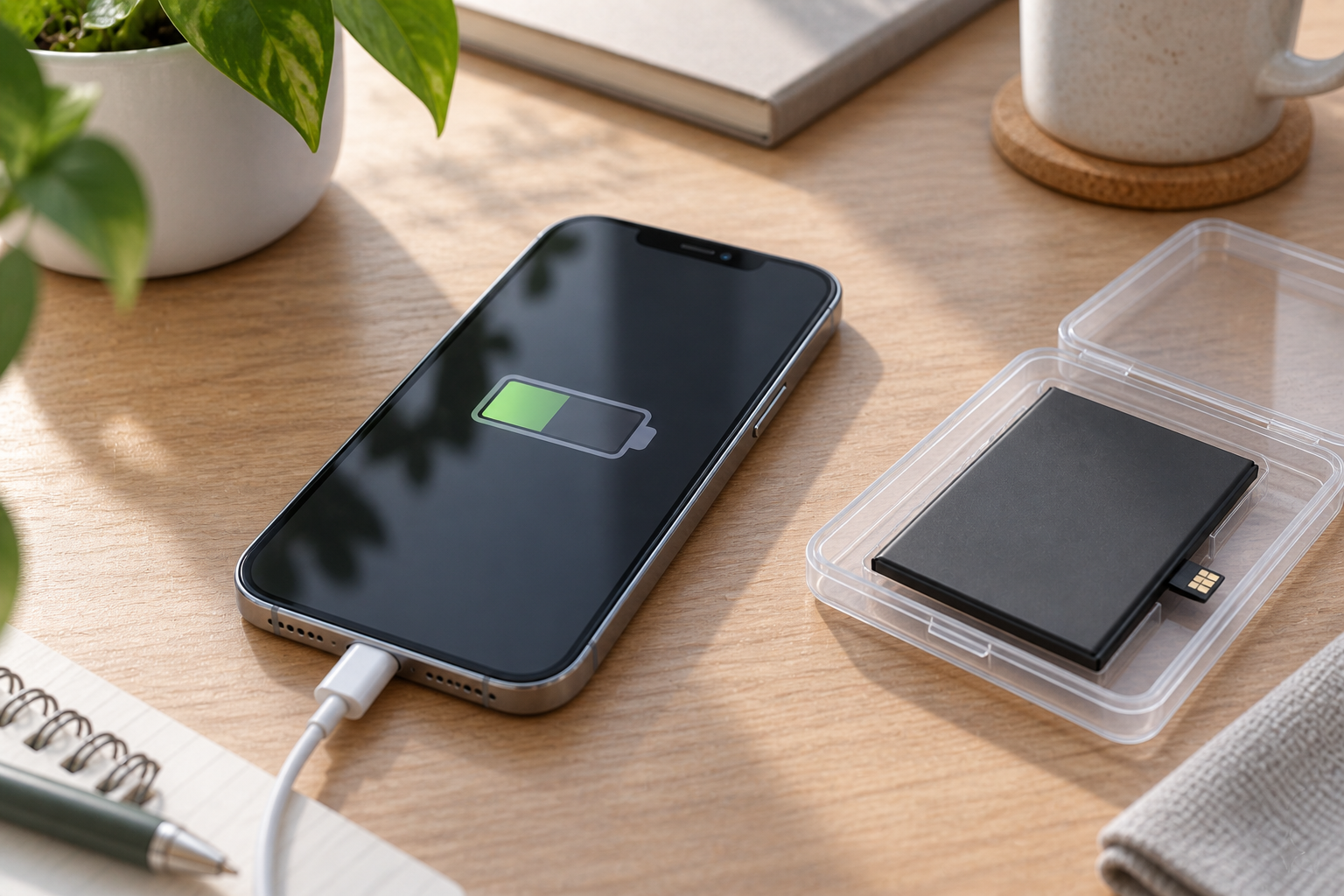
Go to Settings > Battery > Battery Health on current iPhone models. Depending on the model and iOS version, the menu may be called Battery Health & Charging. “Maximum Capacity” is an estimate of the battery’s present charge capacity relative to when it was new. At 80%, the battery has lost roughly one fifth of its original capacity, but that does not translate neatly into exactly one fifth less screen time.
Runtime also depends on display brightness, cellular signal, background activity, navigation, camera use, gaming, temperature and the condition of the rest of the phone. A commuter using maps and cellular data can feel the loss more sharply than someone whose phone spends most of the day on Wi-Fi beside a charger.
Apple describes lithium-ion batteries as consumable components whose capacity and ability to deliver peak power decline with chemical age. Its current iPhone battery and performance guide says Maximum Capacity is the measure relative to new and explains that an aged battery’s higher impedance can contribute to unexpected shutdowns under demanding conditions.
It is an estimate, not an odometer
Battery Health is valuable, but the percentage should be read beside behaviour. Two phones showing 80% can feel different because their workloads, temperature history and power demands differ. If iOS says it cannot verify the battery, Apple warns that the displayed health information may not be accurate. In that case, decide from a diagnostic check rather than the number.
On iPhone 15 models and later software that supports it, Battery Health can also show cycle count, manufacture date and first-use date. A charge cycle is cumulative use equal to 100% of capacity; it is not necessarily one plug-in session. Partial charges over several days can add up to one cycle.
Is 80% the official replacement line?
Eighty percent is a useful service threshold, but it is not a cliff. Apple says batteries in iPhone 14 models and earlier are designed to retain 80% of original capacity at 500 complete charge cycles under ideal conditions, while iPhone 15-model batteries are designed for 80% at 1,000 complete cycles under ideal conditions. Actual capacity depends on use and charging conditions.
Apple also currently states that eligible battery service under an applicable AppleCare plan is provided when capacity drops below 80%. At exactly 80%, do not assume coverage; check the device’s active coverage and current terms through Apple. That policy is separate from the practical question of whether the phone’s runtime works for you.
You can keep using a phone at 80% if it behaves normally and lasts long enough. Apple’s “battery health significantly degraded” message does not, by itself, indicate a safety issue. Physical warning signs are different: stop using and charging a phone if its display or back begins to lift, the device is visibly swollen, it becomes unusually hot without a clear workload, or it has been crushed or punctured. Arrange inspection rather than pressing the case closed.
Signs a battery replacement is likely worth it
A battery replacement is usually the focused option when the phone remains otherwise sound and one or more of these problems is present:
- it can no longer make it through the part of the day when you need it;
- the percentage drops abruptly or the phone shuts down unexpectedly;
- iOS reports significantly degraded health or recommends service;
- Peak Performance Capability reports that performance management was applied after an unexpected shutdown;
- cold weather or low charge makes shutdowns noticeably more likely;
- the phone works predictably when plugged in but becomes unreliable on battery power.
Apple explains that battery ageing can affect peak-power delivery as well as capacity. That is why a new battery may improve both runtime and performance consistency when iOS has limited peaks to avoid shutdowns. It will not make the processor newer, add storage or repair unrelated faults.
For a student or downtown commuter, the useful test is practical: can the phone reliably handle transit directions, authentication codes, messages and the time away from an outlet? If the answer has become no while the phone otherwise does its job, battery replacement deserves consideration before a full device upgrade.
When keeping the same battery is reasonable
Do not replace a battery solely to make the health number prettier. Keeping it is reasonable when:
- the phone lasts through your normal day;
- there are no unexpected shutdowns, swelling or heat warning signs;
- Peak Performance Capability is normal;
- a convenient charging routine causes no disruption;
- you already plan to replace the phone soon for a reason unrelated to battery life.
You can reduce avoidable drain by reviewing Settings > Battery for app usage, enabling Low Power Mode when useful, updating iOS and avoiding extended charging or use in excessive heat. Apple’s charging guidance notes that iPhone automatically slows charging after about 80% and may pause charging when temperature is outside the normal range. That behaviour protects the battery and should not be confused with Maximum Capacity being stuck at 80%.
When replacing the phone makes more sense
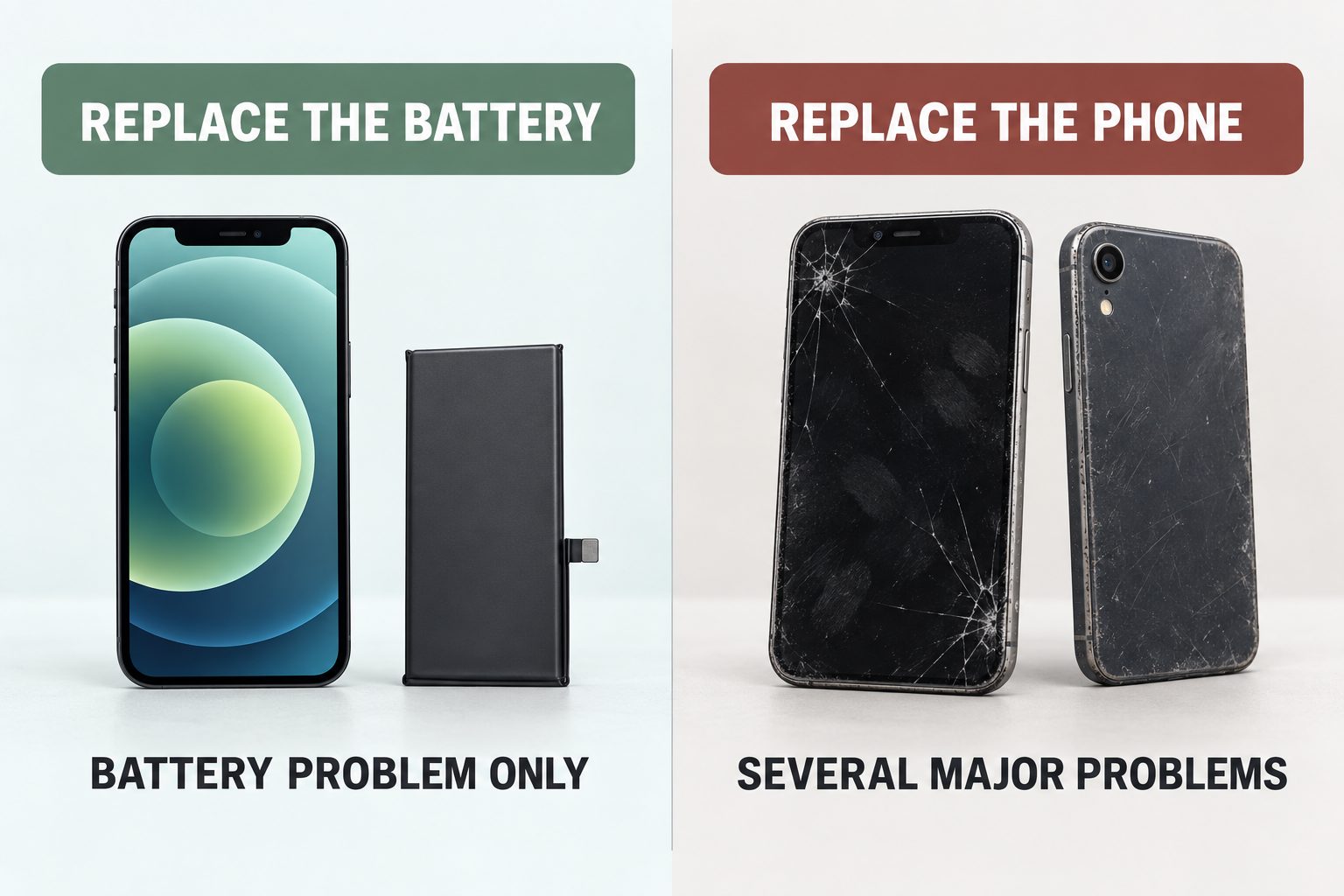
A new battery addresses battery capacity and power delivery. It does not solve a cracked OLED, failing camera, bent frame, unreliable charging port, insufficient storage or an operating-system requirement the phone cannot meet.
Compare the full situation:
- Software fit: Can the iPhone run the current apps and security features you require?
- Performance fit: Is it fast enough for the work you actually do when battery-related management is not the limiting factor?
- Storage fit: Are you replacing the phone because it is always full? A battery will not create space.
- Other damage: Add the display, frame, camera, port and liquid-damage issues that genuinely need repair.
- Expected use: How long would you realistically keep the phone after a battery replacement?
- Replacement comparison: Compare with a suitable replacement of known condition and sufficient storage, not only its monthly-payment presentation.
If the battery is the sole material fault, replacing the whole phone throws away a working display, cameras, logic board and enclosure to solve one consumable-part problem. If three major repairs are pending on an already unsuitable phone, a battery-only quote gives an incomplete picture.
Before authorizing battery service
Back up the iPhone. Confirm the exact model, the battery symptom and whether there are unrelated charging or board problems. Ask what battery part will be installed, whether the repair will be completed through the applicable Apple calibration process, and what the phone should show afterward.
On supported models, Settings > General > About > Parts and Service History can show information about a replaced battery. Apple’s current Parts and Service History guide explains the possible battery status labels and which iPhone generations display them. Check the page for your exact model and iOS version rather than assuming every phone exposes the same information.
Also separate battery wear from a charging fault. A phone can have 80% Maximum Capacity and still fail to charge because of a cable, adapter, contaminated port or damaged connector. If it only charges at an angle or does not recognize known-good charging equipment, the port or power path needs diagnosis before a battery is ordered.
Myths and common misconceptions
“80% means the battery is 20% away from dying”
No. It is an estimate of capacity relative to new, not a countdown to sudden failure. Behaviour, peak-power capability and daily runtime determine urgency.
“A replacement battery will make any old iPhone fast again”
It can reduce battery-related performance management when an aged battery cannot supply peak power. It cannot upgrade the processor, radio, storage or software support.
“Charging to 100% caused the battery to fail”
Battery ageing has several inputs, including cycles, temperature and charging history. iPhone manages the later charging stage and offers Optimized Battery Charging or a Charge Limit on supported models. Heat exposure is a more useful variable to control than anxiously unplugging at an exact percentage every time.
Allo Repair Bench Note
Allo Réparation’s current smartphone service page lists iPhone battery replacement separately from charging-port and battery-connector repair. That distinction matters at intake: poor runtime, failure to accept a charge and an intermittent cable connection can feel like one “battery problem” but may require different repairs.
Frequently Asked Questions
Is it safe to use an iPhone at 80% Battery Health?
The percentage alone is not a safety alert. If the phone works normally and has no swelling, deformation, unexplained heat or damage, you can continue using it while monitoring runtime and iOS service messages. Physical battery warning signs require prompt inspection regardless of the displayed percentage.
Should I replace the battery at 80% or wait until 79%?
Decide from usability and coverage, not a one-point race. If runtime or shutdowns are already disruptive, obtain a battery-service assessment. If you are checking AppleCare eligibility, Apple’s current Canadian page states the covered threshold as below 80%; confirm the active plan and terms for your device.
Will a new battery restore 100% Battery Health?
A correctly completed replacement with a compatible, properly recognized battery should establish new battery-health information, but what appears depends on the part, repair process, iPhone model and iOS version. Ask the provider what Parts and Service History should show after the work.
Final Answer
At 80% Battery Health, replace the battery when the iPhone remains a good fit but its runtime or peak-power behaviour no longer is. Keep using it if the experience is still reliable. Replace the phone only when software support, storage, performance, damage or the combined repair case, not the battery percentage alone, makes the current device unsuitable.
For a battery or charging assessment in Montréal, bring the iPhone and the cable or charger involved to Allo Réparation’s downtown location at 2051 Rue de la Montagne, Montréal, QC H3G 1Z8. Use the map to plan the trip and check current intake details before leaving. You can also review the smartphone and iPhone repair service page.