
Direct answer
Microsoldering is board-level electronics repair performed under magnification with controlled heat and precision tools. It is used when the failed part is soldered to a circuit board or when the board itself has damaged pads, traces, connectors or tiny components. A normal module replacement swaps a complete battery, screen, fan or other plug-in assembly. Microsoldering works at the connection and component level. Typical examples include a torn charging-port pad, a soldered HDMI connector, corrosion around a power circuit, a broken display connector or a small failed component that prevents a device from starting. It is useful only after diagnosis isolates a repairable fault. It cannot make every damaged board safe or economical to restore, and it should not be treated as a generic cure for any device that does not power on.
Quick answer
| Situation | Standard part replacement | Microsoldering may be needed |
|---|---|---|
| Battery or screen connected by an intact plug | Yes | Usually no |
| Charging or HDMI port soldered directly to the board | Not by simple unplugging | Yes, depending on board condition |
| Connector pulled off with copper pads | No | Pad and trace reconstruction may be possible |
| Liquid corrosion around small components | Cleaning alone may not restore the circuit | Diagnosis and component-level repair may be required |
| Device is dead with no isolated fault | Do not order parts yet | Electrical diagnosis comes first |
| Storage or processor package is physically destroyed | A module swap may not preserve data | Microsoldering may also be impractical or impossible |
Part replacement and board-level repair are different jobs
Many device repairs are modular. A technician opens the product, disconnects a known failed assembly and installs a compatible replacement. Screens, batteries, fans, speakers and some ports can be serviced this way. The work may still be delicate, but the electrical fault is contained inside a replaceable module.
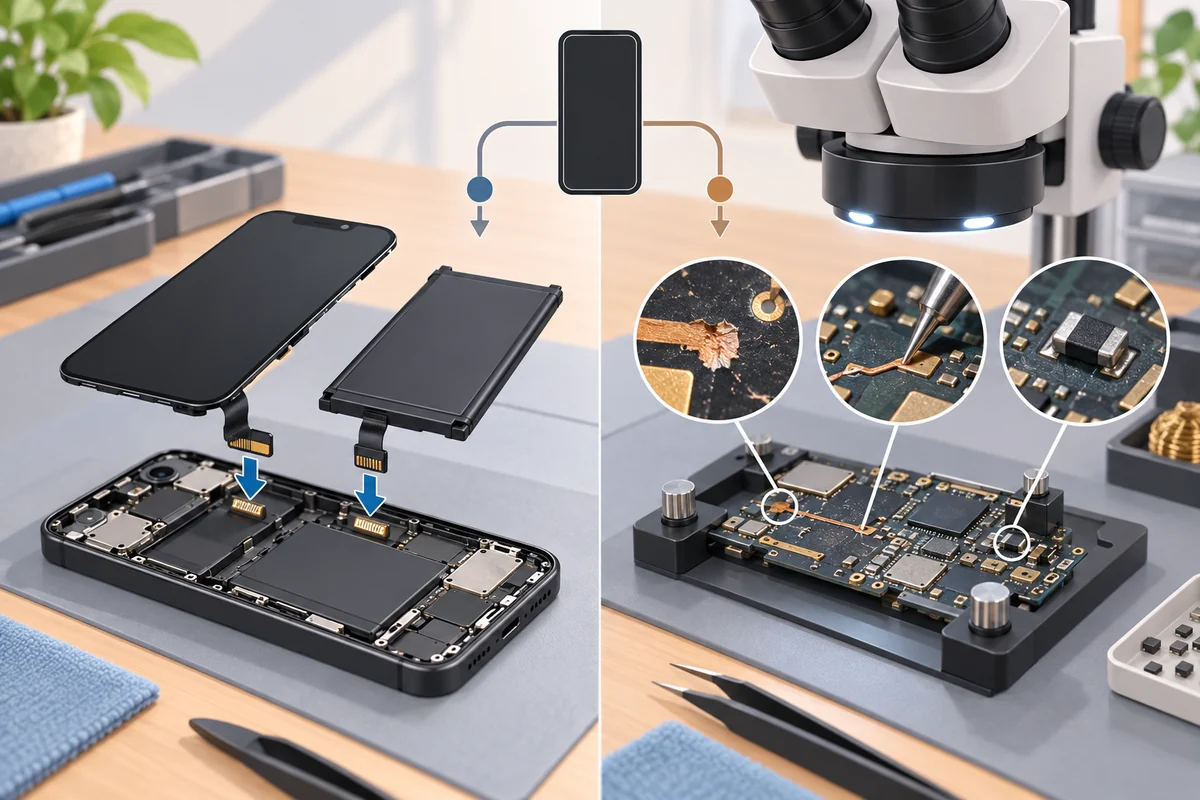
Board-level repair begins when the problem is on the printed circuit assembly. The damaged item may be a connector attached by many solder joints, a tiny capacitor, a power-management component, a corroded line or the copper land where a component used to attach. The technician must identify the circuit involved and restore a reliable electrical and mechanical connection without overheating nearby parts.
Manufacturers also distinguish these repair levels. Apple's Self Service Repair program supplies manuals, model-specific parts and post-repair tools for defined component replacements. Those procedures are not a blanket authorization to improvise work on the logic board. Microsoldering goes beyond a normal module exchange and requires separate diagnostic and rework skills.
What microsoldering means in practice
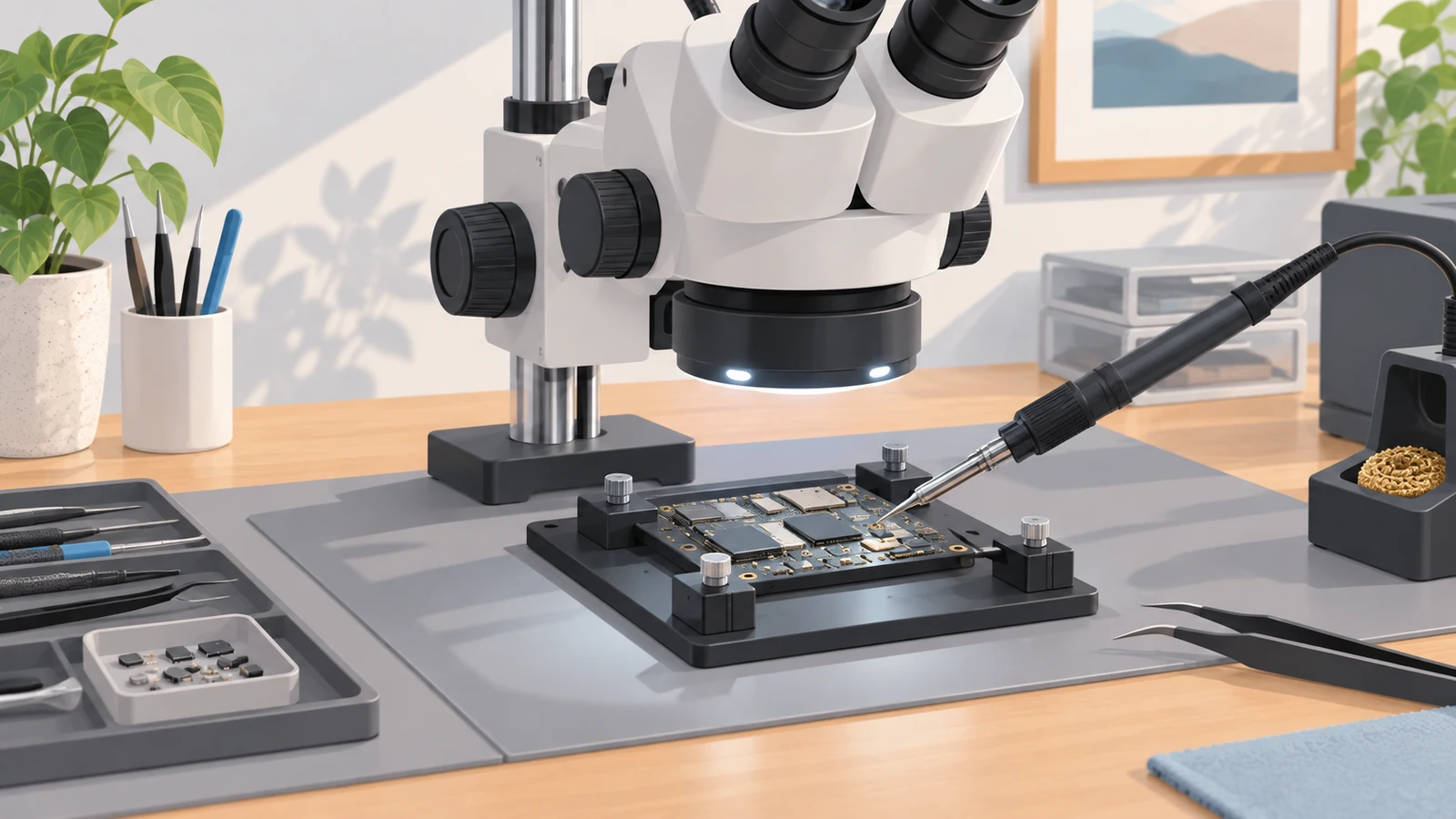
The word does not describe one machine or one universal procedure. It describes work on small electronic connections where visibility, heat control, board support and inspection are critical. A suitable bench can include a stereo microscope, temperature-controlled soldering equipment, hot air, preheating, flux, solder wick, fine tweezers, board holders, electrical meters and fume extraction.
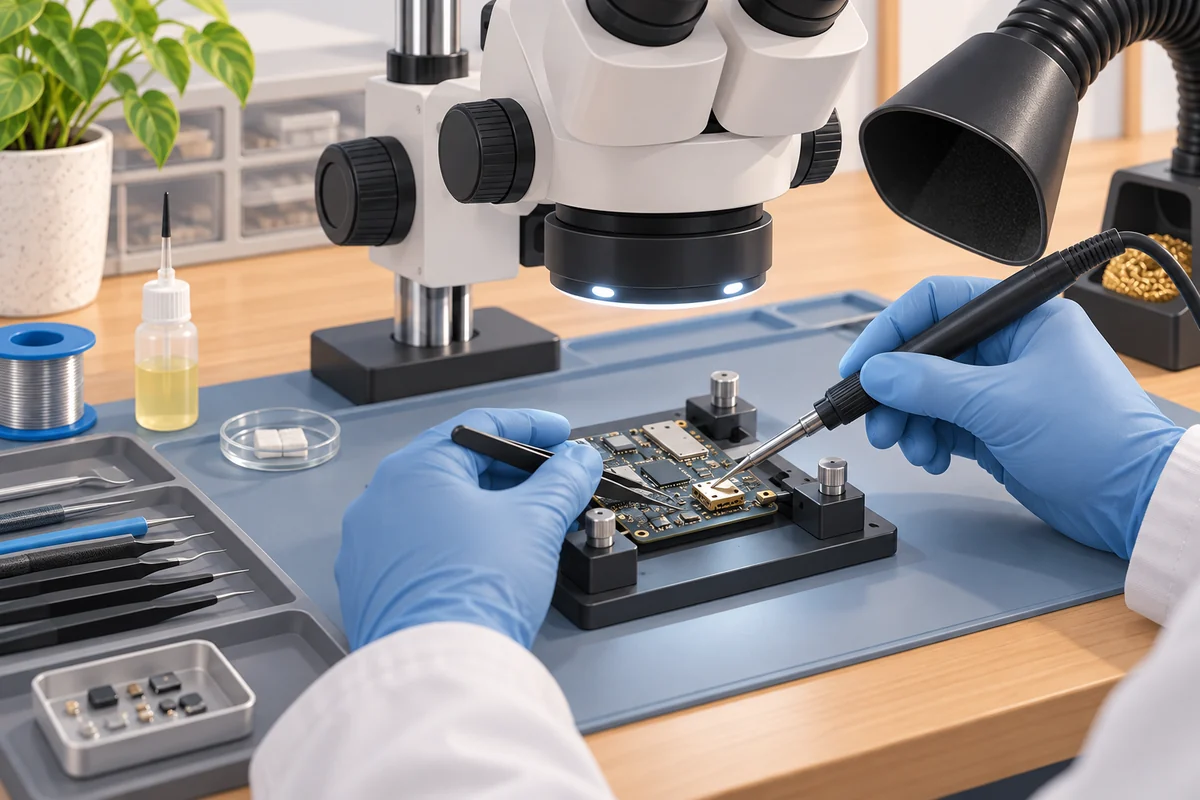
Magnification helps the technician see solder joints, corrosion, cracked connectors and lifted pads that are too small to evaluate reliably with the naked eye. Controlled heat matters because a modern board contains plastic sockets, adhesives, shields and components with different thermal limits. Too little heat can create a weak joint. Too much, applied for too long or in the wrong area, can delaminate the board, move adjacent parts or damage a connector.
The electronics industry treats board repair as a defined technical discipline. IPC describes IPC-7711/21 as a standard covering procedures, tools, materials and methods for rework, repair and modification of printed-board assemblies. Its training information also makes clear that this work is intended for people who already have soldering and rework experience, not as an introductory hand-soldering exercise.
Typical faults that may require microsoldering
Microsoldering may be relevant when diagnosis finds:
- a charging, USB-C, HDMI or audio connector soldered to the board;
- a connector that has torn copper pads or traces from the board;
- a damaged battery, display, camera or fan socket;
- corrosion that has opened a circuit or damaged small components;
- a missing resistor, capacitor, filter, coil, diode or other surface-mount part;
- a damaged power or charging circuit with a localized replaceable fault;
- a broken trace that can be reconstructed without compromising safety;
- a board that must be made functional long enough for a controlled data-recovery attempt.
This list does not identify the fault by symptom alone. A phone that will not charge can have debris in the port, a failed cable, a worn battery, software behaviour, a damaged connector or a board problem. A console with no image may have a cable, television setting, HDMI port or internal circuit fault. Measurements and inspection must decide which repair level is appropriate.
Port replacement is not always the same operation
Some ports are mounted on a small daughterboard that can be disconnected and replaced as a module. Others are soldered directly to the main board. Even among soldered ports, the job changes depending on the connector style, board thickness, nearby components, thermal mass and whether the copper pads remain intact.
If a port is physically loose but all pads are present, the work can be limited to removing the old connector, preparing the lands, installing the correct replacement and testing every relevant connection. If the connector was forced sideways and tore pads or traces, the repair may require reconstruction and stronger mechanical evaluation. A new connector alone cannot attach correctly to missing copper.
Before choosing the method, identify the exact device revision. Two products with the same consumer name can use different board layouts or connector parts. A visually similar port is not automatically electrically or mechanically compatible.
How a board-level diagnosis normally proceeds
A careful process starts before heat is applied:
- Record the device history, symptoms, impact or liquid exposure, previous repairs and data priority.
- Confirm external basics such as the power supply, cable, accessories and visible connector condition.
- Inspect the board under magnification for corrosion, missing parts, cracked joints, burns or mechanical damage.
- Use appropriate electrical measurements to isolate the affected circuit instead of replacing random components.
- Decide whether the board can be supported, heated and repaired without unacceptable risk to nearby parts or internal layers.
- Perform the narrow repair with the correct component, materials and temperature control.
- Clean and inspect the work, then test the original function and nearby systems before reassembly.
Applying flux and reheating a suspicious area without a diagnosis is not a complete repair method. It may temporarily change a symptom while leaving the cause unknown. A responsible result also requires inspection for bridges, disturbed neighbouring components, weak mechanical support and residue.
When microsoldering is worth considering
Board repair is most compelling when a localized fault has been identified and replacing the entire board would be wasteful, expensive, unavailable or harmful to the user's data objective. A repairable connector or small component should not automatically condemn the whole device.
Data can also change the decision. Replacing a phone or laptop logic board generally replaces the storage and security relationship associated with that board. If important files exist only on the original device, restoring the original board to a stable, readable state may be more valuable than installing a different board. That is a specialized recovery path, not a guarantee that every damaged device can be recovered.
Other practical factors include the age and condition of the device, availability of the exact component, damage to internal board layers, software support, the condition of the battery and frame, and whether multiple major faults are present. The best option is based on the confirmed failure, not on the impressive appearance of the tools.
When microsoldering is not the right answer
It may not be appropriate when the failed part is already a simple plug-in module, the board substrate is burned or fractured across multiple layers, several major circuits are damaged, the required component or board data is unavailable, or the total risk and cost do not make sense for the device's role.
Some integrated components also participate in device security, calibration or data encryption. Moving or replacing them may not restore normal operation, even when the solder joints look correct. A heavily liquid-damaged board can contain faults that continue to appear after one visible area is repaired. A successful local repair therefore does not mean every device should undergo unlimited rework.
Stop and reassess if the battery is swollen, a board continues to overheat, the device has been exposed to an unsafe power source, or repeated prior work has damaged pads and layers. Safety and repeatability matter more than forcing one more attempt.
Microsoldering and data recovery
Board-level work can support data recovery when the original board must operate to access encrypted storage. The goal may be narrower than returning the device to everyday service. A technician might isolate a short, repair a power line or restore a connector so the device can boot and transfer data under controlled conditions.
That path depends on the fault, device architecture and condition of the storage and processor. It is not the same as copying files directly from any loose memory chip. Before approving a board replacement, reset or destructive experiment, state clearly whether the priority is the device or the data. See data recovery services for the separate recovery category.
Allo Réparation service-scope note
Allo Réparation's public microsoldering services page lists board-level work for smartphones, tablets, computers, game consoles and professional equipment. It identifies charging, HDMI and USB ports, display and battery connectors, selected chips, power circuits and liquid-damaged boards as service categories. That list describes scope, not a promise that every board or every data case is repairable. The exact device and fault still need inspection.
Related service pages distinguish device port repair and gaming console repair from a general board-level diagnosis. That separation is useful: the symptom may lead to microsoldering, but it does not prove it in advance.
Final answer
Microsoldering is precision repair of soldered board connections and components under magnification. It is appropriate when diagnosis finds a repairable fault on the circuit board, such as a soldered port, torn pad, damaged trace, corroded connection or small failed component. It differs from swapping a complete battery, screen or other module. The process needs electrical diagnosis, controlled heat, correct materials, inspection and functional testing. It can preserve a device or support a data-recovery objective, but it is not a universal solution for every dead or badly damaged board.
For a board-level assessment in Montréal, bring the device, its normal charger or cable when relevant, and a concise history of the failure to Allo Réparation at 2051 Rue de la Montagne, Montréal, QC H3G 1Z8. Use the map to plan the trip and confirm that the specific device can be accepted before leaving. Review microsoldering services, device port repair and data recovery services for the relevant service paths.