
Direct answer
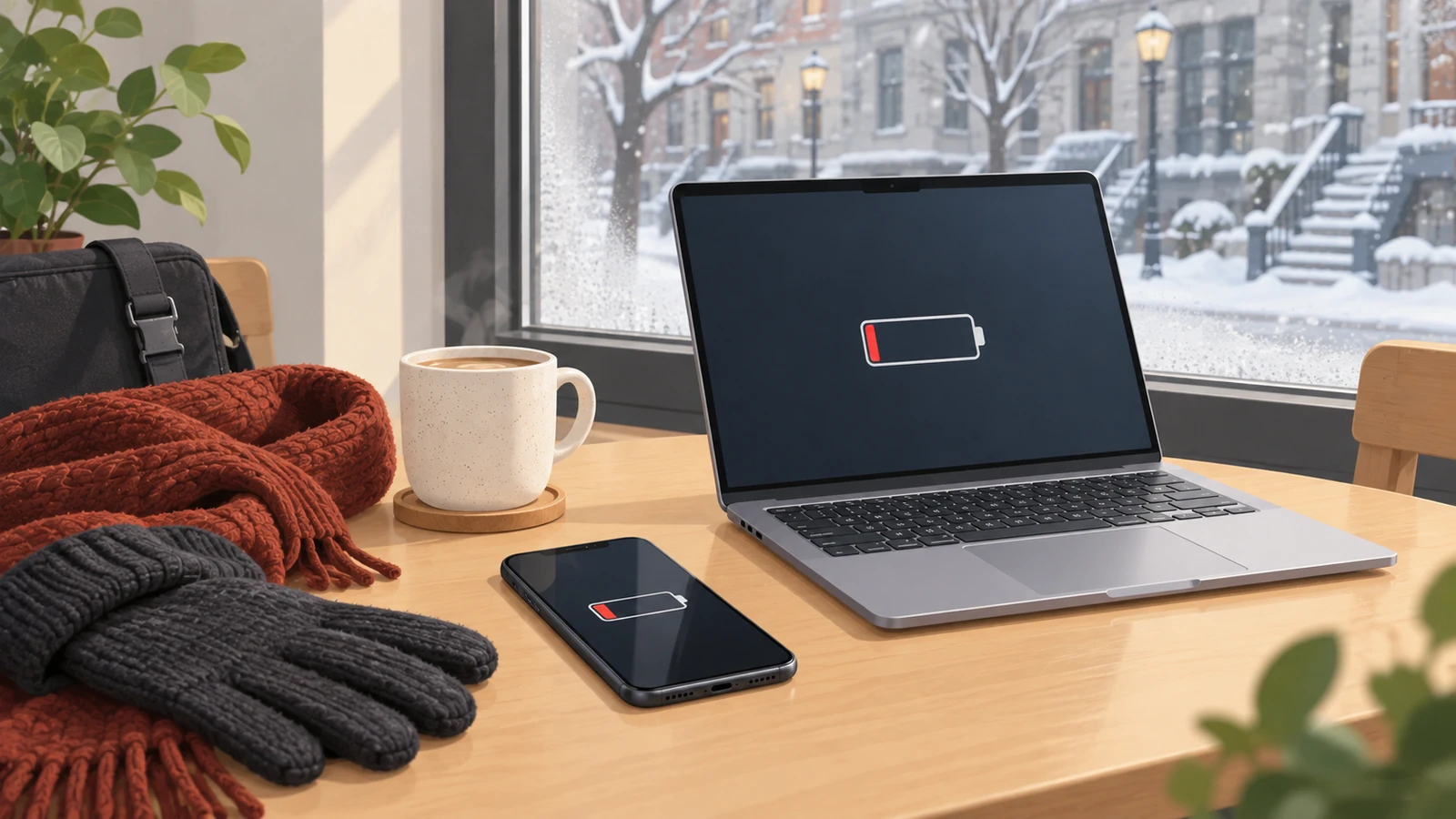
Cold weather can temporarily reduce the usable power of a lithium-ion battery. A phone may show a sudden percentage drop, a laptop may run for less time, charging may pause and a device can shut down even though the display showed charge remaining. That does not automatically mean the battery is permanently damaged. If normal runtime returns after the device warms gradually to room temperature, the behaviour was probably temperature related. If rapid drain, shutdowns or charging problems continue indoors, the cold may have exposed an already weak battery or another hardware problem.
During a Montréal winter commute, keep phones and laptops dry, carry them inside an insulated bag, let a very cold device warm naturally before charging and never use a hair dryer, radiator or other concentrated heat source. A swollen battery, lifting screen, unusual smell or excessive heat is not a normal winter symptom and requires prompt attention.
Quick answer
| What you notice | Often temporary in the cold | Reason to investigate |
|---|---|---|
| Battery percentage falls faster outdoors | Yes, if it stabilizes after warming | Drain continues at room temperature |
| Phone or laptop shuts down in deep cold | Possible outside the operating range | Shutdowns also happen indoors or under light use |
| Charging is slow or paused | Device protection may limit cold charging | Charging remains unreliable after warming |
| Runtime returns indoors | Consistent with a temporary temperature effect | Runtime stays much shorter than before winter |
| Screen or back cover begins lifting | No | Stop using and arrange safe battery service |
| Device is wet after snow or condensation | Not a battery diagnosis | Power down, dry the exterior and avoid charging until safe |
Why a cold battery behaves differently
Phones and laptops usually use lithium-ion batteries. Their output depends on chemical and electrical processes that slow in low temperatures. As the battery gets colder, its internal resistance rises and it can deliver less usable power under load. The device may interpret the voltage drop as an empty battery and shut down to protect itself.
This is why a phone can move from a reasonable charge level to a shutdown during a long outdoor wait, then appear to recover after it has warmed indoors. The energy did not magically return. The battery became better able to deliver the stored energy at a normal temperature.
Cold and heat should not be treated as identical. Short cold exposure is commonly associated with temporary performance loss. Excessive heat is a major contributor to long-term battery ageing. Both conditions can trigger built-in limits, so the manufacturer operating range matters more than a general winter rule.
Manufacturer temperature ranges are narrower than a Montréal winter
Apple states that iPhone and iPad devices are designed for use from 0 °C to 35 °C. Its temperature guidance says very cold conditions outside that range can temporarily shorten battery life, cause shutdowns or stop charging, with normal battery life returning at a warmer ambient temperature.
Mac laptops have a different published range. Apple advises using them from 10 °C to 35 °C in its Mac laptop temperature guidance. Microsoft says Surface devices are designed to work from 0 °C to 35 °C in its battery care guidance.
Google also warns that a Pixel below 0 °C may shut down suddenly and recommends letting the phone warm gradually. Its Pixel temperature diagnostics guide explains the difference between cold, normal, warm and elevated temperature states.
These are device guidelines, not outdoor weather forecasts. A phone in an inside coat pocket may remain much warmer than the air. A laptop in an uninsulated backpack left on a balcony, in a vehicle or beside an exterior wall can approach the outside temperature. The time, wind exposure, bag and starting temperature all affect what happens.
What is normal after a cold commute
Temporary symptoms can include faster percentage loss, reduced peak performance, dimming, delayed charging or a shutdown under a heavy task. A device that behaves normally again after warming and remains stable through ordinary indoor use may not need a battery replacement.
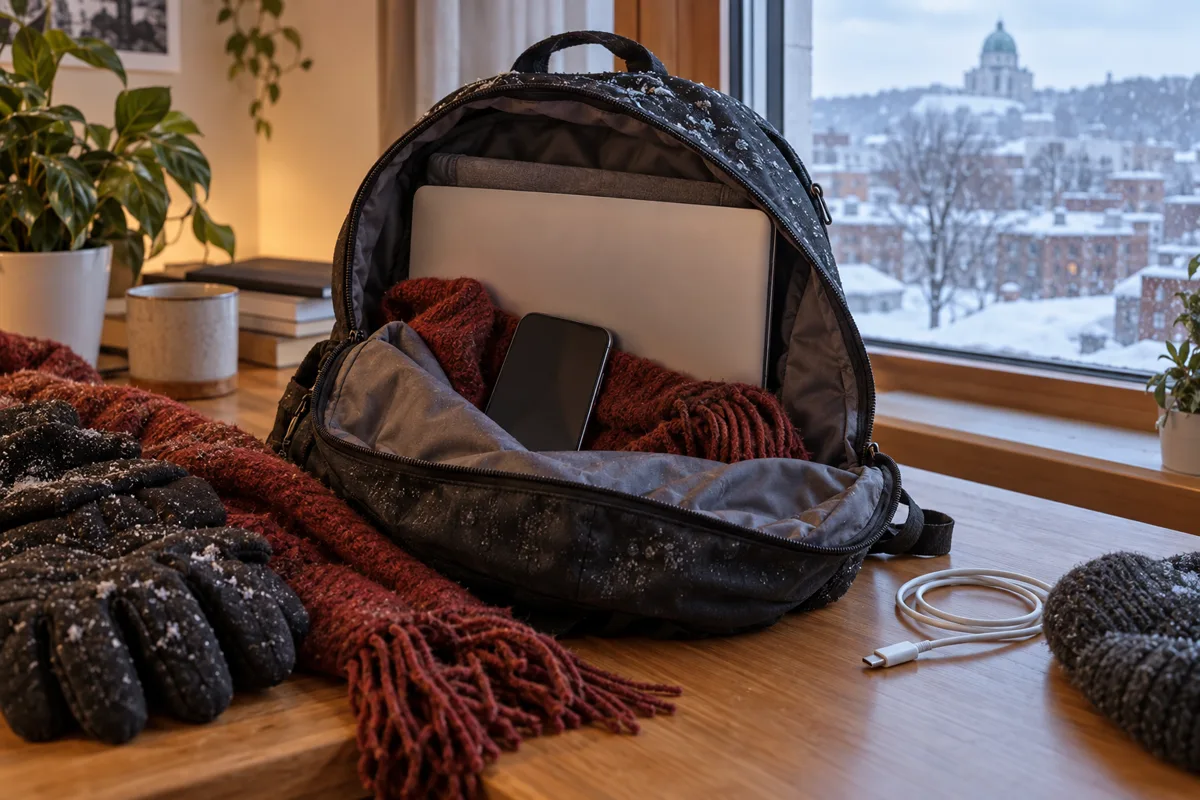
Give the device time to reach room temperature naturally. Keep it turned off or at light use if it is extremely cold. Remove visible snow or water from the exterior with a soft dry cloth. Do not open ports, remove parts or connect power while moisture may be present.
Moisture is a separate concern. When a cold object enters warm humid air, water can condense on its surfaces. The outside may look dry before hidden areas around ports or gaps are ready for power. If the bag or device was wet, be conservative. Charging is not worth the risk of creating a short circuit.
What is not a normal cold-weather symptom
A battery problem deserves diagnosis when the symptoms continue at a comfortable indoor temperature. Warning signs include:
- unexpected shutdowns during light work after the device is warm;
- a battery percentage that jumps repeatedly or cannot be calibrated;
- charging that disconnects when the cable and adapter are known to be good;
- a laptop that runs only when connected to power;
- a phone or laptop that becomes unusually hot during ordinary charging;
- a screen, trackpad or back cover that begins to lift;
- a sweet, chemical or unusual odour;
- visible liquid residue or corrosion near a port.
Do not press a lifted screen or cover back into place. A swelling battery needs careful handling. Stop charging, avoid puncturing or bending the device and arrange service or approved recycling.
Not every winter shutdown is caused by the battery. A worn charging port, failing storage, liquid damage, board fault or software process can produce similar symptoms. The pattern before, during and after warming helps separate them.
Warm the device gradually before charging
Move the phone or laptop to a normal indoor environment and allow it to warm on its own. Keep it away from radiators, heating vents, heated blankets, hair dryers and hot surfaces. Rapid external heating can create uneven temperatures and does not safely remove internal moisture.
Do not place a cold device in a sealed plastic bag after bringing it indoors unless it was already sealed before the temperature change for a specific moisture-control purpose. Trapping existing moisture against the device does not help. The practical goal is simple: keep snow away, let the exterior dry and wait until the device is near room temperature before connecting power.
If the operating system displays a temperature or charging-on-hold warning, follow it. Those limits are protective features, not errors to bypass. Use the charger and cable intended for the device or a properly compatible replacement.
When winter exposes an ageing battery
An older battery has less capacity and may have more difficulty delivering peak power. In warm weather, the weakness can remain hidden because the device still completes normal tasks. Cold weather adds stress, and the first obvious symptom may be an outdoor shutdown or a dramatic percentage drop.
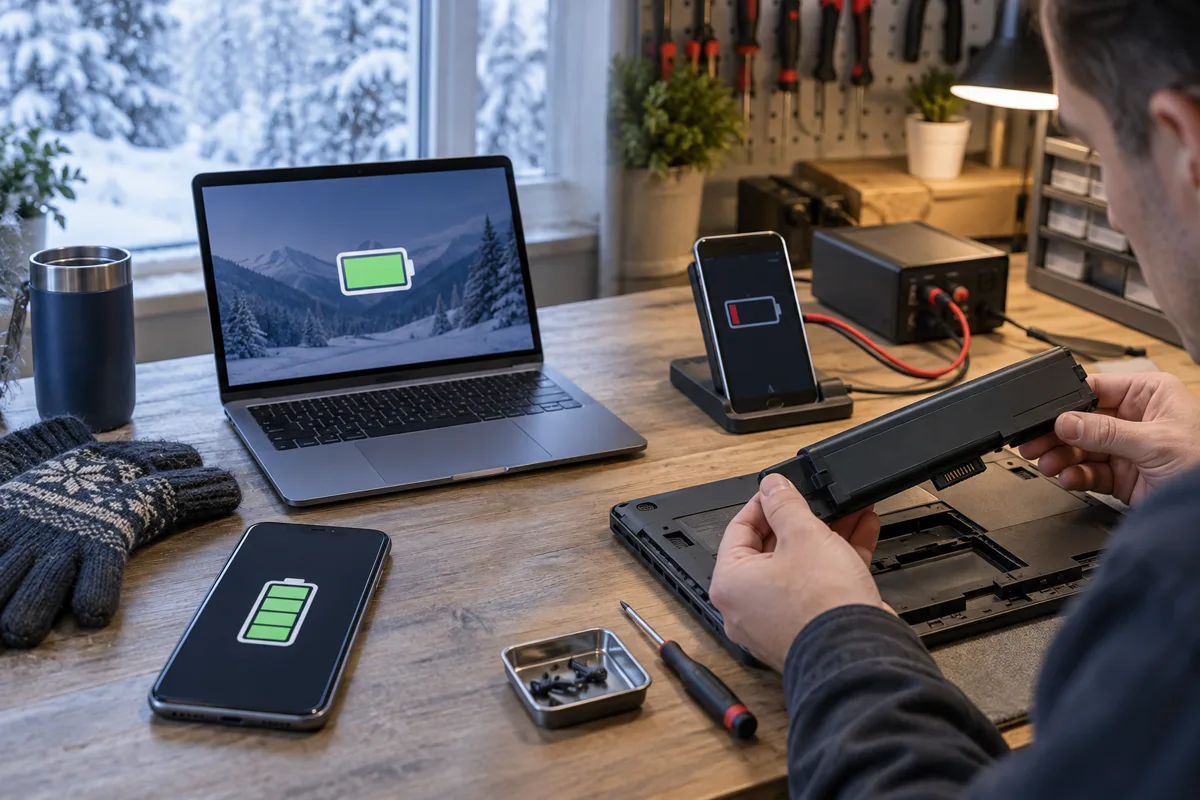
Look for the same issue indoors. If the battery drains quickly during light use, shuts down well above zero percent or reports a service warning at room temperature, the winter event may be the clue rather than the root cause.
Battery health information can help, but it is not the whole diagnosis. Capacity estimates, cycle counts and service messages should be considered with the symptoms, charger behaviour and physical condition. A healthy reading does not rule out a loose connection or power-circuit problem.
For phones, start with the smartphone repair service when the symptom persists indoors. For MacBooks and other laptops, a laptop battery and power diagnosis can separate the battery from the adapter, charging port and board.
Phones and laptops do not warm at the same rate
A phone in an inside pocket may stay close to body temperature, while a laptop in an outside backpack compartment cools for the entire commute. The laptop also has more thermal mass, so it may take longer to reach room temperature after arrival.
Do not assume the laptop is ready to charge because its outer lid no longer feels icy. The battery is inside the chassis. Likewise, a phone under a thick case can remain cold even when the case feels warmer. If the device has been outside for a long time, patience is safer than trying to force a quick charge before class.
Heavy work immediately after arrival can also create a sharp temperature change. Let the device stabilize before starting a game, video render, large software update or other high-load task.
A practical Montréal winter routine
Use a padded, reasonably insulated compartment rather than carrying the device against the outside wall of a bag. Keep the bag closed on the métro platform, at the bus stop and during a walk. A sleeve helps with impact protection and slows rapid temperature change, but it is not a heater and does not make a device waterproof.
Before leaving:
- Charge indoors with the device already at a normal temperature.
- Save work and keep an independent backup of anything important.
- Shut down or sleep the laptop before placing it in a bag.
- Keep liquids in a separate sealed compartment.
- Avoid leaving electronics in a parked vehicle, exterior locker or unheated entrance.
After arriving:
- Place the closed device on a dry stable surface.
- Wipe away visible snow or moisture from the bag and exterior.
- Let the device warm gradually.
- Inspect the charging port before connecting power.
- Confirm normal operation indoors before deciding the battery is defective.
When to arrange a battery diagnosis
Book a diagnosis when the same drain, shutdown or charging failure continues after the device is warm, or when the battery condition creates a physical safety concern. Bring the usual charger and explain how long the device was outdoors, the approximate charge level before the event and what happened after warming.
Do not replace the battery solely because one cold commute reduced runtime. Also do not ignore a repeated pattern all winter. A controlled indoor test and a physical inspection provide a more useful answer than the percentage shown during an outdoor shutdown.
Final answer
Cold weather can temporarily reduce runtime, pause charging and cause shutdowns without permanently ruining a battery. Normal behaviour should return after the phone or laptop warms gradually in a dry indoor environment. Persistent problems at room temperature point toward battery ageing, charging trouble or another fault that deserves diagnosis.
Protect the device during the commute, avoid concentrated heat, wait before charging a very cold or damp device and treat swelling or unusual heat as a safety issue rather than a seasonal inconvenience.
Check a winter battery problem in downtown Montréal
If the device remains unstable after warming, bring it and its normal charger to Allô Réparation on Google Maps. Describe the outdoor exposure and the indoor symptoms separately. Review the smartphone repair or MacBook and laptop repair service before the visit.