
Direct answer
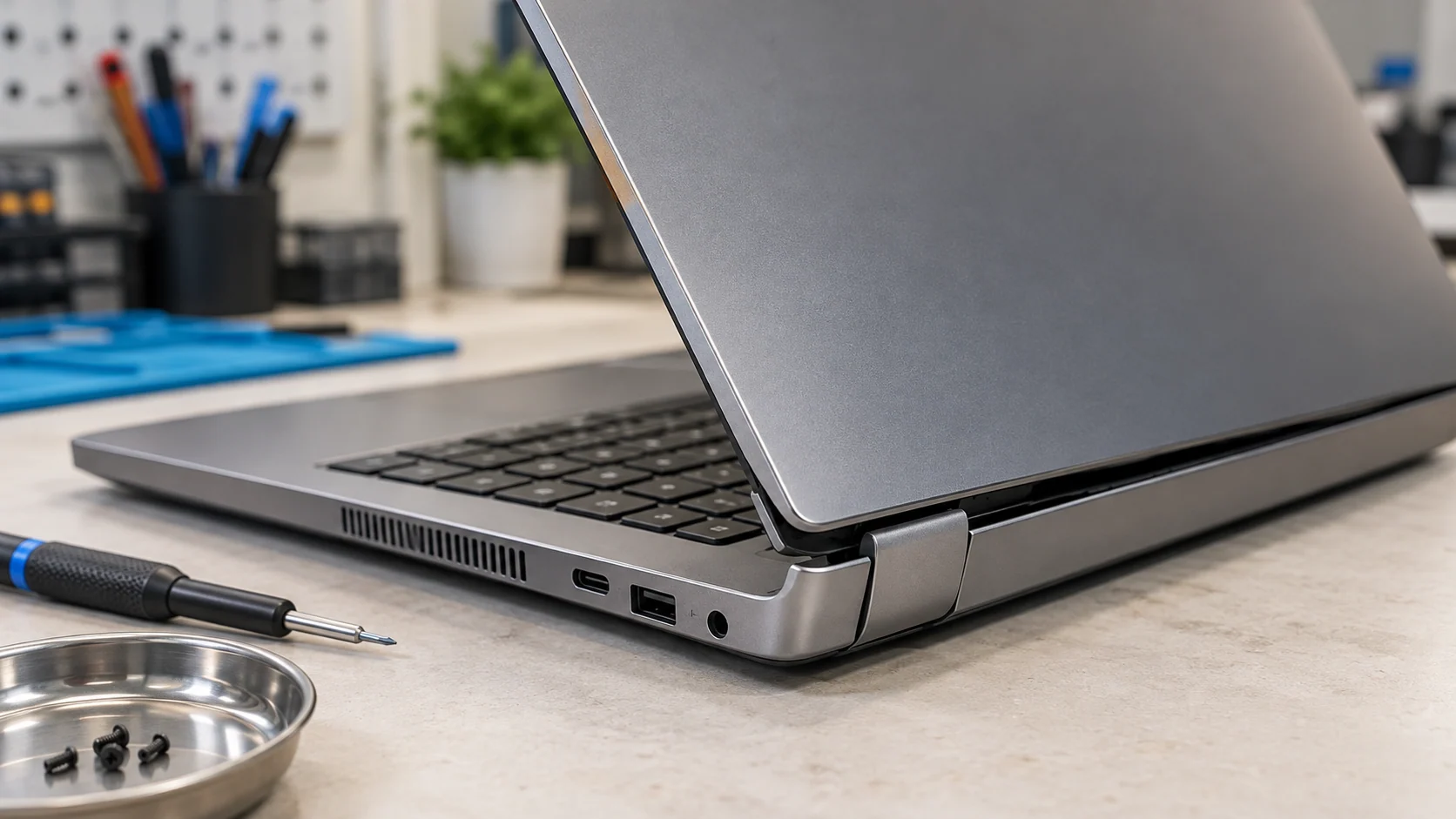
A loose, stiff or broken laptop hinge should be inspected before the lid is opened and closed repeatedly. The hinge itself may be worn, but the real repair can also involve loose screws, broken mounting points, cracked case plastic, a damaged display back cover or a cable being pinched near the hinge. Stop forcing the lid if it makes cracking sounds, lifts the palm rest, separates the screen bezel or changes the display when the angle moves. Keeping the computer open in one stable position can reduce additional movement until it is diagnosed, but it is not a permanent repair. A targeted hinge or case repair is often reasonable when the display, main board and rest of the chassis remain in good condition.
Quick answer
| Symptom | What it may mean | Best next step |
|---|---|---|
| Lid feels loose or will not stay in position | Worn hinge or loose mounting hardware | Limit movement and arrange an inspection |
| One corner lifts when the lid opens | Hinge mount or case is separating | Stop forcing the lid |
| Cracking or clicking sound | Plastic mount, bezel or cover may be failing | Keep the lid stable and diagnose the structure |
| Screen changes when the lid moves | Display cable or connector may be affected | Back up data and avoid repeated angle tests |
| Hinge is suddenly very stiff | Hinge mechanism or mounting area may be binding | Do not lubricate or force it without model-specific guidance |
The hinge is only one part of the problem
A laptop hinge is a mechanical joint, but it does not work alone. It is attached to mounting points in the base and the display assembly. Those mounts may be metal, plastic or a combination of both, depending on the model. The surrounding top case, bottom case, bezel and display back cover distribute the load every time the lid moves.
This is why a laptop can have a metal hinge that still moves while the case around it separates. Replacing only the visible hinge will not solve a broken mount. A complete diagnosis should identify which parts are loose, cracked, bent or missing before a repair scope is chosen.
Dell's current laptop hinge guidance lists warning signs such as unusual resistance, cracking sounds, a screen that will not remain in position and visible gaps around the hinge. The guidance also recommends opening the display from the centre rather than lifting one corner, which distributes force more evenly.
Warning signs that the hinge problem is getting worse
Pay attention to movement in parts that should remain fixed. The problem deserves prompt attention when:
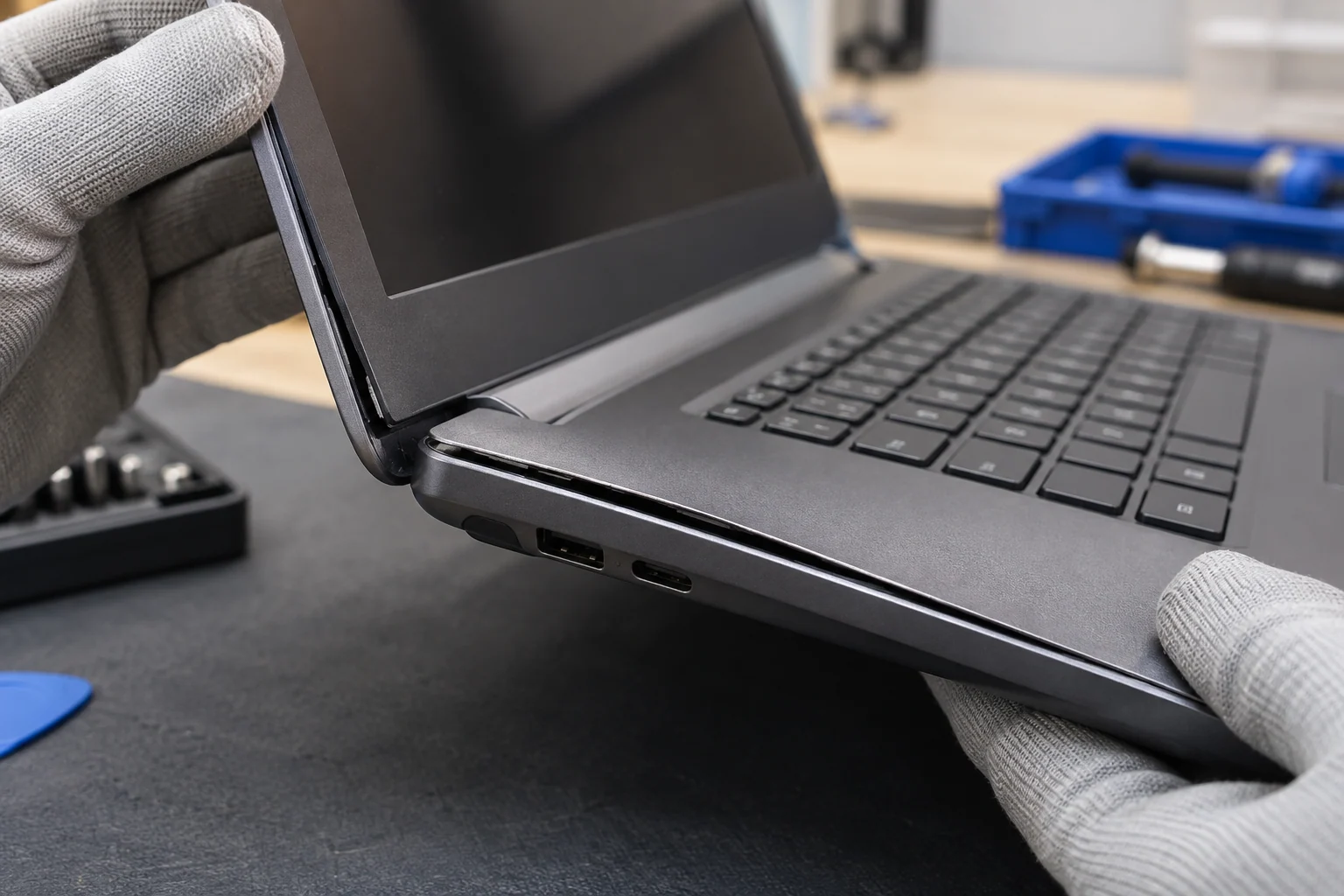
- the palm rest or keyboard deck rises near one corner;
- the bottom cover opens a gap when the lid moves;
- the screen bezel separates from the display back cover;
- the hinge makes a new crack, click or grinding sound;
- the lid drops backward or will not hold an angle;
- opening the lid requires noticeably more force than before;
- the screen flickers, changes colour or goes dark at certain angles;
- a Wi-Fi antenna wire, camera cable or display cable becomes exposed;
- screws fall out or will no longer tighten.
Do not keep testing the hinge by opening and closing it. Repeating the motion can enlarge cracked mounting holes, pull threaded inserts out of plastic or place more strain on cables routed near the joint. The exact risk varies by model, so the safest temporary strategy is to reduce movement.
Why forcing a stiff hinge can increase the repair
A hinge can become stiff because of wear, contamination, deformation or internal failure. The resistance may then exceed what the surrounding case was designed to carry. When the lid is forced, the hinge mount can act like a lever against the display cover or base.
Adding household oil is not a dependable repair. Lubricant can migrate into the display, plastics or electronics, and it does not restore a cracked mount. Tightening every visible screw is also risky when the screw is turning inside a broken insert or when the wrong screw length can contact an internal component.
Manufacturer service information is model-specific for a reason. Dell's general replacement guidance directs owners to the correct manual and safety information before opening a laptop. A hinge repair can require removal of the display assembly, battery disconnection and careful cable routing. It is not equivalent to tightening a desk hinge.
What you can do without opening the laptop
Start by saving current work and backing up files while the computer is stable. Then inspect the outside under good light without flexing the lid.
- Place the laptop on a flat table rather than holding it in the air.
- Look for a widening seam at either rear corner.
- Compare the left and right hinge areas without pushing them back into place.
- Note whether the problem appeared after a drop, bag impact or previous repair.
- Record a short video of the movement only if the lid can be moved without force.
- Write down the full model number from the label or system settings.
If the lid is already open and stable, leaving it open may be safer than closing it for transport. If the lid is closed and resists opening, do not pry it. Ask the repair shop how to bring it in with the least movement. A sleeve can protect against scratches, but it cannot reinforce a failing hinge mount.
What a proper hinge diagnosis should inspect
The inspection should follow the load path rather than focus only on the metal joint. Depending on the design, that includes:
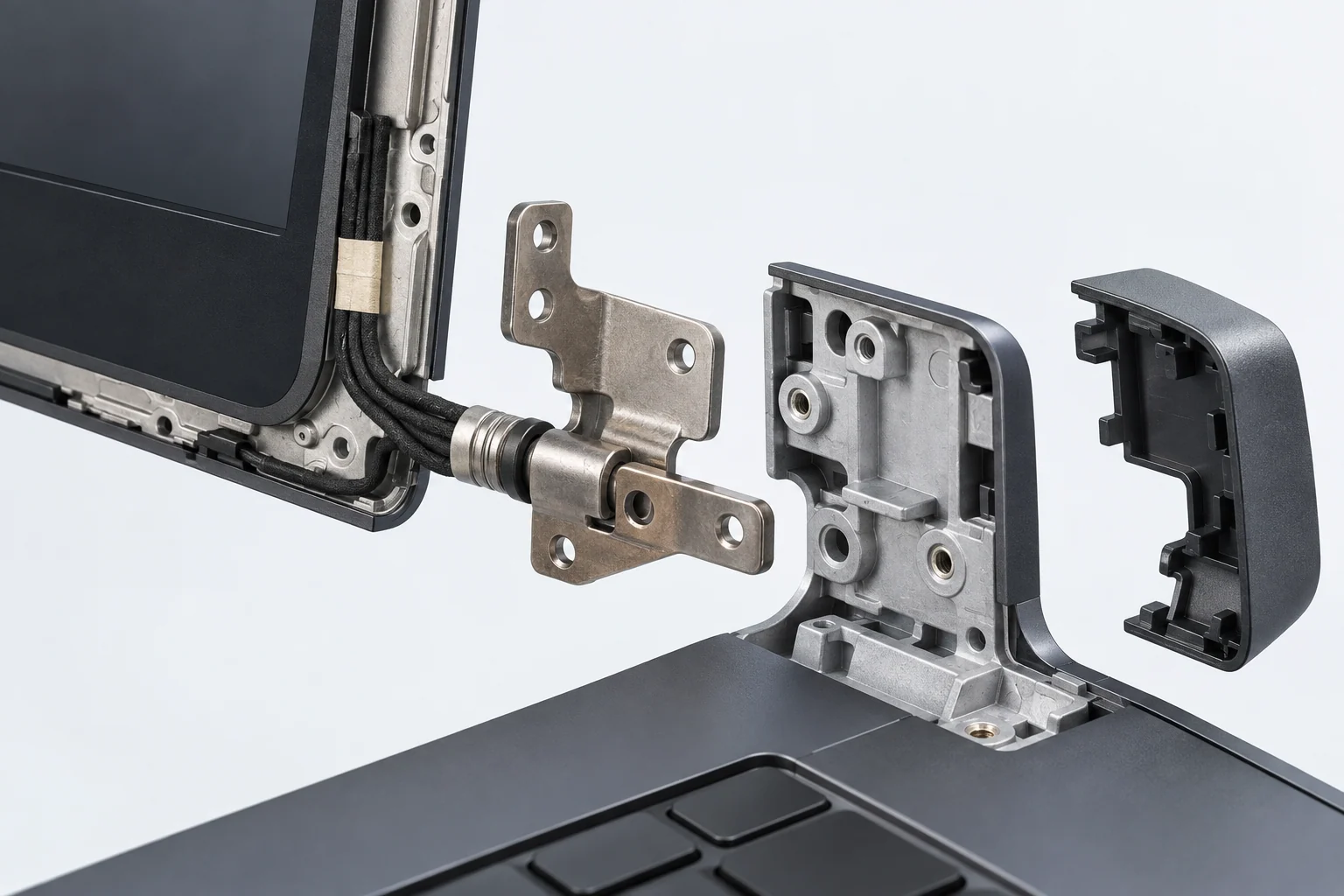
- both hinge mechanisms and their resistance;
- screws, threaded inserts and mounting brackets;
- the display back cover and bezel;
- the top case, palm rest and bottom cover;
- the display and camera cable path;
- antenna wires routed through or near the hinge area;
- signs of prior adhesive, missing hardware or case deformation;
- battery swelling that may be lifting the case for a different reason.
That last distinction matters. A separating case is not automatically a hinge failure. A swollen battery can lift the palm rest, trackpad, display or back cover and requires a different safety response. Diagnosis should separate mechanical hinge load from internal pressure.
For a model-specific assessment, the MacBook and laptop repair service covers hinge, display, cable and chassis problems. If a connector or board trace has also been damaged, microsoldering service may be relevant, but it should not be assumed before inspection.
Can the laptop still be used temporarily?
Sometimes a laptop can remain on a desk with the display supported and never moved. This can preserve short-term access to files, but it does not make the structure safe. Do not place weight against the screen, tape the lid under tension or carry the computer open through a hallway or on public transit.
Use an external monitor, keyboard and mouse only when the laptop can sit securely and the damaged lid will not be moved. If the case is opening, cables are exposed, the battery area is distorted or the computer becomes unusually hot, turn it off and arrange service instead of building a temporary desktop setup.
Repair or replace the laptop?
Repair is usually worth considering when the fault is limited to a hinge, mounting cover or replaceable case part and the rest of the computer still meets your needs. Replacement deserves a closer look when the chassis is badly twisted, both display and base assemblies are damaged, several major components are failing or the computer no longer supports the software you need.
Do not compare only the price of one hinge with the price of a new laptop. The actual repair may need a display cover, palm rest, bottom case, cable or complete display assembly. Ask for a scope that names the damaged structural parts. Also consider data transfer, software setup and the condition of the battery, storage and cooling system.
For students and commuters in Montréal, the practical question is whether the machine can be transported safely and remain dependable through the next term. A small crack that grows every time the laptop leaves a backpack can become more disruptive than arranging a diagnosis before a deadline.
Final answer
A loose or broken hinge is not only a comfort problem. It can be a structural failure involving the hinge, case mounts, display cover and nearby cables. Reduce movement, back up the laptop and avoid glue, oil or repeated force until the exact damage is known.
When the rest of the laptop is sound, a targeted repair can preserve the computer and prevent a damaged mount from spreading into the screen or case. When several major assemblies are already compromised, the diagnosis should support a repair-versus-replacement decision rather than an automatic hinge replacement.
Get the hinge inspected in downtown Montréal
Bring the laptop and its usual charger to Allô Réparation on Google Maps. Explain what moves, what sound you hear and whether the problem followed an impact. Keep the lid in the safest stable position during transport and avoid forcing it closed just to fit a bag.