
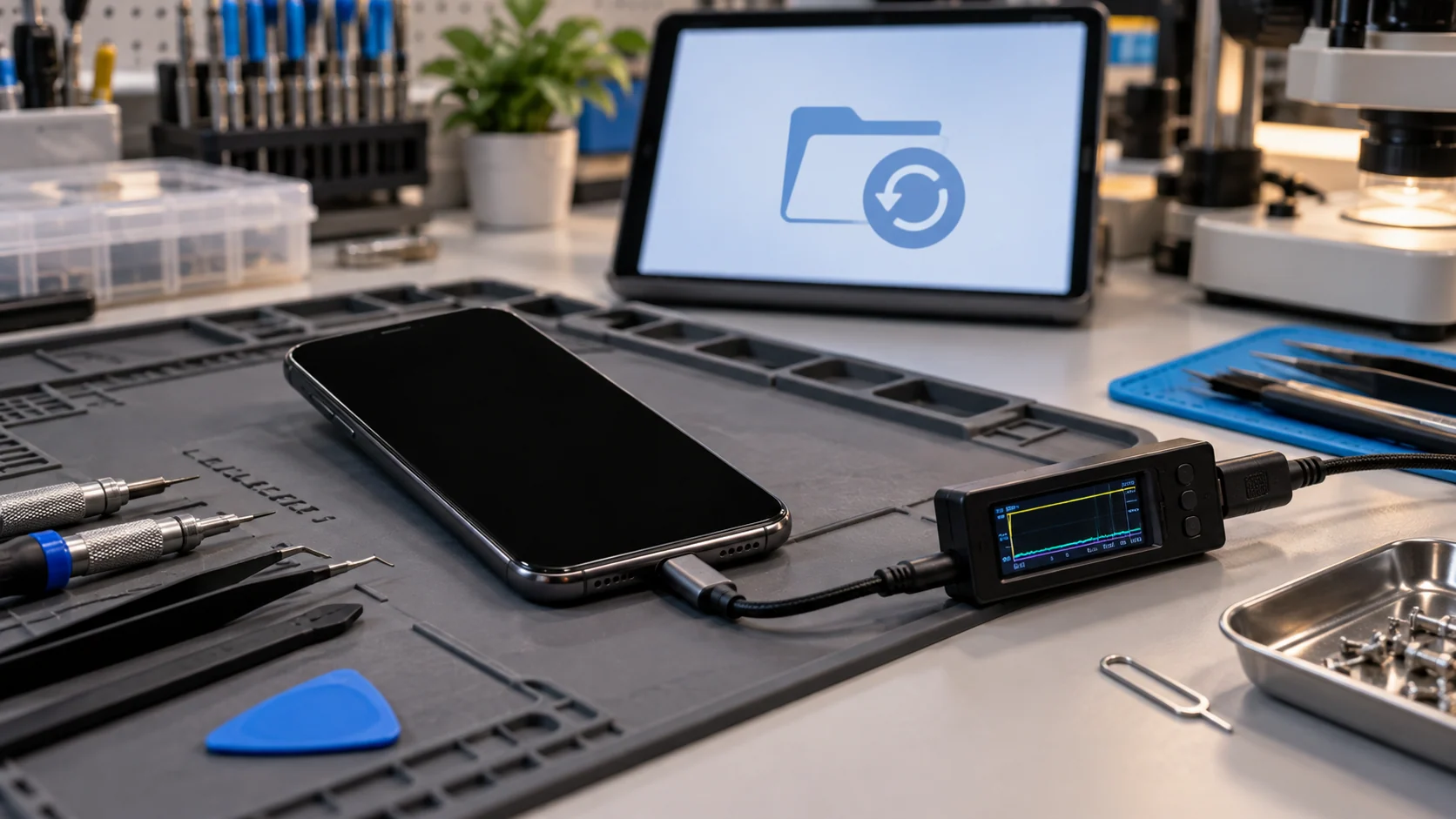
Direct answer
Sometimes. First check whether the missing information already exists in an iCloud, Google, computer or application backup. If it does not, recovery from the phone usually depends on making the original device functional enough to start, accept its passcode and provide access to the data. A black screen, failed battery or damaged charging port can look like a dead phone even when the main board and storage are still working. Board damage, liquid corrosion and failed storage are more complex, and success cannot be guaranteed. If the data matters, do not factory-reset, restore or repeatedly power the phone before the failure is diagnosed. Tell the technician that data recovery, not ordinary device repair, is the priority.
Quick answer
| Situation | What it means for the data |
|---|---|
| Current cloud or computer backup exists | Restore the backup to another compatible device |
| Phone rings or vibrates but screen stays black | Display repair may restore access without data recovery work |
| Phone responds to charging but will not start | Battery, port, power or software diagnosis is needed |
| Phone has liquid or impact damage | Stop unnecessary power attempts and inspect the hardware |
| Main board cannot start | Board-level repair may be required to regain temporary access |
| Storage or security components are damaged | Recovery may be limited or impossible |
Start by separating backup recovery from phone recovery
The fastest solution may not involve the damaged phone. Check the services that could already hold a copy of the information. Photos may be synchronized to iCloud Photos or Google Photos. Contacts may live in an Apple, Google, Microsoft or work account. Messages and application data have their own backup rules. A computer backup may contain information that is not in the cloud.
Apple explains that an iPhone backup provides a copy that can be used if a device is replaced, lost or damaged. Google similarly documents how Android backups can be restored to another compatible phone. Neither system necessarily contains every downloaded file or every app's data, so check the backup date and contents before assuming the problem is solved.
If the latest usable copy is sufficient, restoring it is usually safer than experimenting with a failed phone. If important files exist only on the device, preserve its current state and move to diagnosis.
A dead phone and a dead screen are not the same problem
A phone with a black display may still be running. Call it, listen for notifications, check whether a paired watch or car still connects and observe whether the device vibrates. Google specifically recommends testing whether a Pixel rings when its screen remains blank in its no-power troubleshooting guide. A phone that rings with no image may need a display repair rather than data recovery.
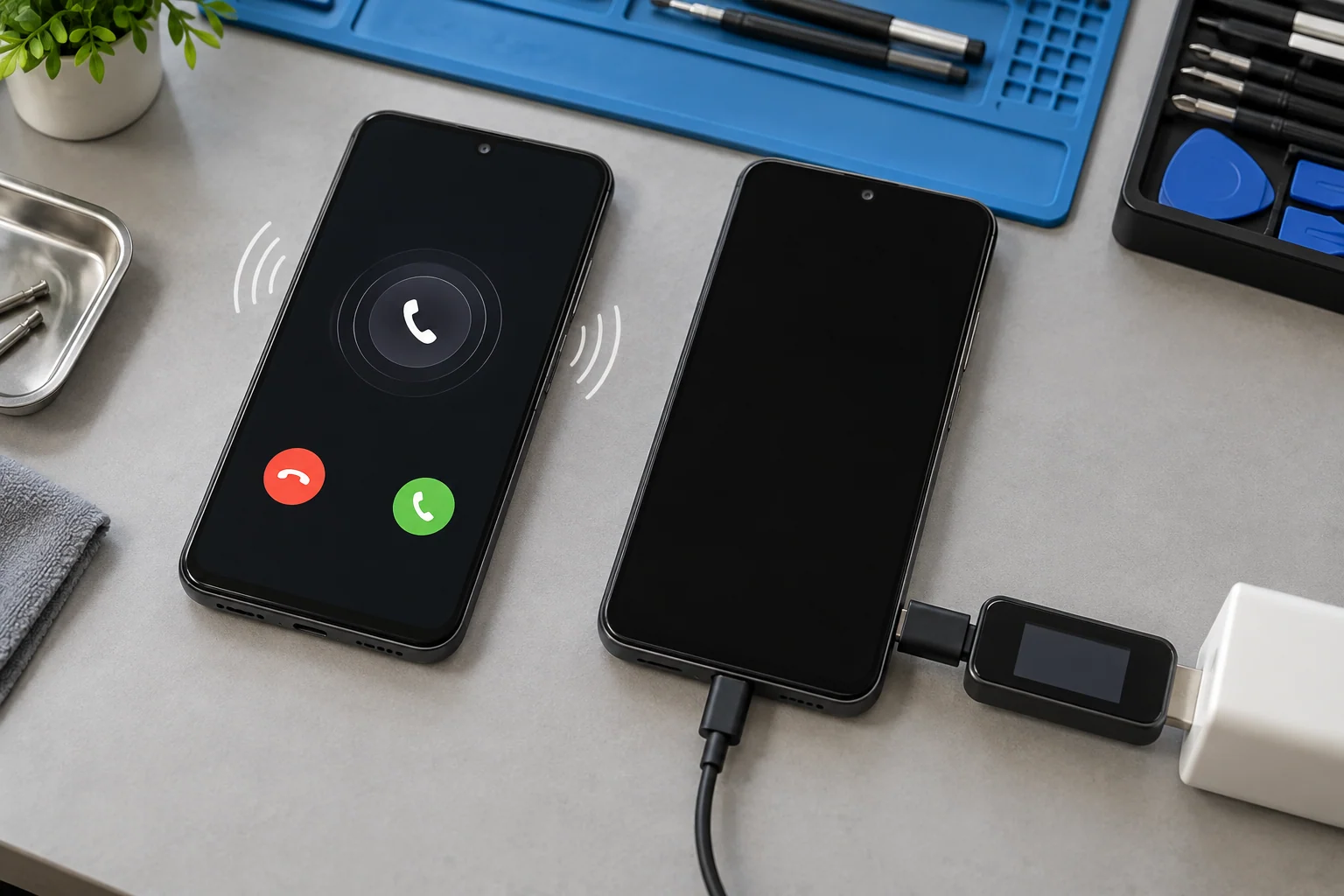
Use only low-risk checks that match the manufacturer instructions for the model:
- Inspect the charger, cable and port for obvious damage or debris.
- Try a known-compatible charger and allow time for a fully discharged battery.
- Follow the manufacturer's exact forced-restart sequence once.
- Call the phone or use an official device-finding service to test for a response.
- Stop if the phone is swollen, unusually hot, wet, corroded or physically distorted.
Apple's black-screen guidance explains the correct forced restart and charging steps for different iPhone models. Repeating random button combinations, warming the phone, bending it or using questionable charging equipment adds risk without revealing the real fault.
Do not erase the evidence you are trying to recover
Some manufacturer troubleshooting paths eventually offer a reset or restore. Those options can make sense when restoring normal phone use is the only goal and a current backup exists. They are not the right first step when the only copy of important data may be on the device.
Google warns that a manual Pixel reset erases the device. Apple states that choosing Restore in recovery mode reinstalls iOS and erases the iPhone. If data recovery is the priority, do not authorize a reset, operating-system restore, storage replacement or board replacement until you understand what will happen to the original data.
Also avoid repeated start attempts after liquid exposure. Electricity can worsen an active short, and corrosion can continue after the exterior looks dry. Keep a record of what happened, when power was last applied and whether the phone displayed any sign of life.
Why the original board may matter
Modern phones protect local data with encryption and hardware-backed security. Apple notes that setting a passcode automatically enables Data Protection on iPhone. Android documentation explains that some backed-up data is additionally protected with the previous device's screen lock.
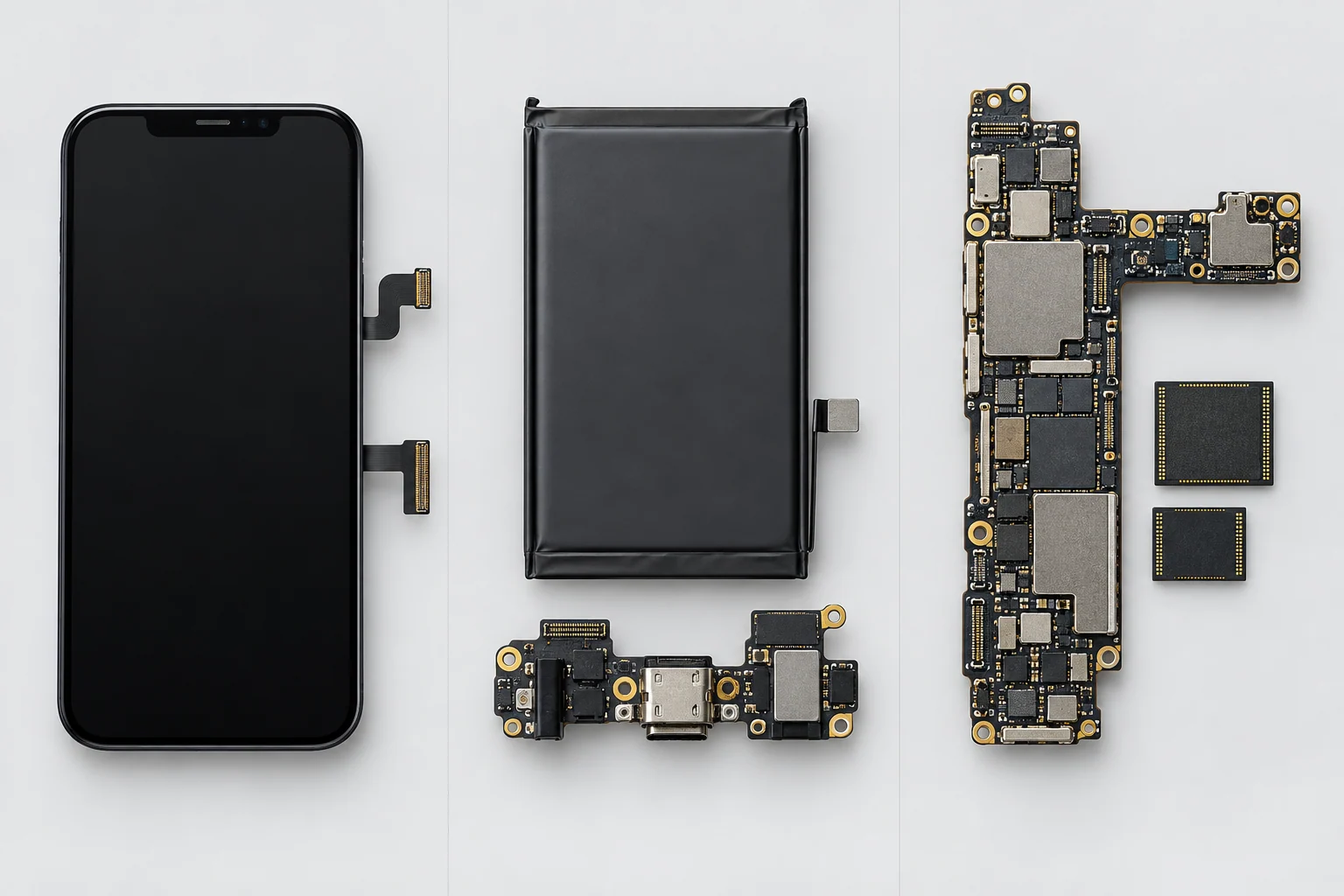
This means data recovery is not normally a matter of removing a storage chip and reading ordinary files from it. The original board, processor, security hardware, storage and the user's passcode may need to work together. A replacement main board can make the phone operate again while leaving the original data behind on the old board.
A board-level recovery may therefore aim to repair enough of the original hardware to boot and unlock the phone. That temporary goal is different from promising a durable everyday repair. The safe and technically realistic objective should be agreed on before parts are changed.
The microsoldering service is relevant when power circuits, connectors or other board-level faults prevent access. It does not guarantee that damaged storage or encrypted data can be recovered.
Common recovery paths
Restore an existing backup
Confirm the account, backup date and data categories. Restore to a compatible spare or replacement phone. Keep the damaged device unchanged until you verify that the restored copy contains what matters.
Repair the screen, battery or port
If the main board still works, a display, battery or charging repair may provide normal access. The device will still require its passcode. This is often standard smartphone repair, but the work order should state that data preservation is important.
Repair the original board for access
When the phone cannot boot because of a board-level power or connector fault, component-level diagnosis may identify a repair path. The priority may be to stabilize the phone long enough to unlock it and make a verified backup.
Specialized storage recovery
If storage itself is electrically or physically damaged, options become narrower. Encryption, component pairing, model architecture and the condition of the security hardware all matter. No responsible diagnosis should guarantee recovery before the device is assessed.
What information to provide at intake
Bring the phone, its usual charging cable and any adapter involved in the failure. Be ready to explain:
- the exact model and storage capacity;
- whether the phone was dropped, wet, overheated or recently repaired;
- the last time it started normally;
- whether it rings, vibrates, charges or appears on a computer;
- which files matter most;
- what backups or synchronized accounts exist;
- whether you know the device passcode;
- whether any reset, update or recovery-mode attempt was already made.
Do not send passwords by email or include them loose in a parcel. Apple advises users not to give an Apple Account password or device passcode to someone else and to remain present if software testing genuinely requires access. Ask how unlocking and data transfer will be handled.
Repair, recover or replace?
The correct choice depends on two separate values: the value of the phone and the value of the data. A phone may not be worth restoring for daily use while a temporary board repair is still worth evaluating to recover irreplaceable files. The opposite is also possible: a straightforward screen repair may return both the phone and the data without specialized recovery.
If a verified backup contains everything important, replacement can be simpler. If there is no backup, do not discard the original board or approve an exchange program that keeps the damaged phone until the recovery question is resolved.
Final answer
Data can sometimes be recovered from a phone that will not turn on, but the path depends on where the data exists and why the phone appears dead. Check backups first, distinguish a black screen from a true no-power condition and avoid any reset or restore that could erase the only copy.
When local data is the priority, the original device may need a display, battery, port or board-level repair before it can boot, unlock and create a backup. Encryption and hardware damage can limit the result, so diagnosis must come before a promise.
Request a data-first diagnosis in Montréal
Bring the phone to Allô Réparation on Google Maps or review the data recovery service before arranging a mail-in repair. State clearly that preserving the original data is the first objective and that no reset or board replacement should be performed without approval.